
Download Cartera Virtual – virtual wallet, digital money, mobile finance, finance app, financial management
Overview
Cartera Virtual is a mobile application designed to streamline personal financial management through a digital wallet interface. Positioned within the finance category, the app aims to simplify how users track, store, and manage their digital money in a secure, centralized platform. It serves individuals seeking a convenient way to organize their financial activities, particularly those who rely on mobile devices for daily transactions and budgeting tasks. The app’s primary purpose is to act as a virtual wallet, enabling users to monitor balances, categorize expenses, and maintain a clear overview of their financial health.
While the developer did not provide detailed information about the company’s background or history, the app’s release date of August 14, 2024, marks its debut in the mobile finance ecosystem. As a new entrant, Cartera Virtual fills a niche for users looking for a lightweight, free tool to manage their digital money without the complexity of traditional banking apps. Real-world use cases include tracking daily spending, managing multiple digital payment accounts, and setting up simple financial goals. The app’s presence reflects the growing demand for accessible, user-friendly financial tools tailored to smartphone users across diverse demographics.
By offering a streamlined approach to mobile finance, Cartera Virtual contributes to the broader trend of digital financial inclusion. Its free pricing model lowers the barrier to entry, making it accessible to users who may not have access to full-featured banking solutions. The app’s focus on simplicity and digital money management positions it as a utility tool for budget-conscious individuals and those new to financial planning. As mobile finance continues to evolve, Cartera Virtual offers a foundational solution for users seeking clarity and control over their personal finances.
Key Features & Functionality
- Virtual Wallet Dashboard – Provides a real-time overview of digital balances, allowing users to monitor their financial status at a glance. This feature supports quick access to account summaries, making it ideal for on-the-go financial checks.
- Expense Categorization – Enables users to label and sort transactions into predefined categories such as groceries, transportation, and entertainment. This helps in identifying spending patterns and supports informed budgeting decisions.
- Transaction History – Maintains a chronological log of all financial activities, offering a searchable and filterable record. This feature enhances transparency and simplifies reconciliation of digital payments.
- Financial Goal Tracking – Allows users to set and monitor savings goals, such as building an emergency fund or saving for a specific purchase. The app provides visual progress indicators to motivate consistent financial behavior.
- Secure Data Storage – Stores financial data locally on the device with encryption, minimizing exposure to external threats. This ensures that sensitive information remains protected without relying on cloud services.
These features are designed to support practical financial habits. For example, a user managing a monthly budget can use the categorization tool to identify overspending in the “dining out” category and adjust their behavior accordingly. Similarly, someone saving for a vacation can set a goal in the app and receive visual feedback as they approach their target. The transaction history feature proves useful when reconciling digital payments from multiple sources, such as mobile wallets or digital bank accounts. By integrating these tools into a single interface, Cartera Virtual reduces the cognitive load associated with managing digital money across platforms.
Interface, UX & Performance
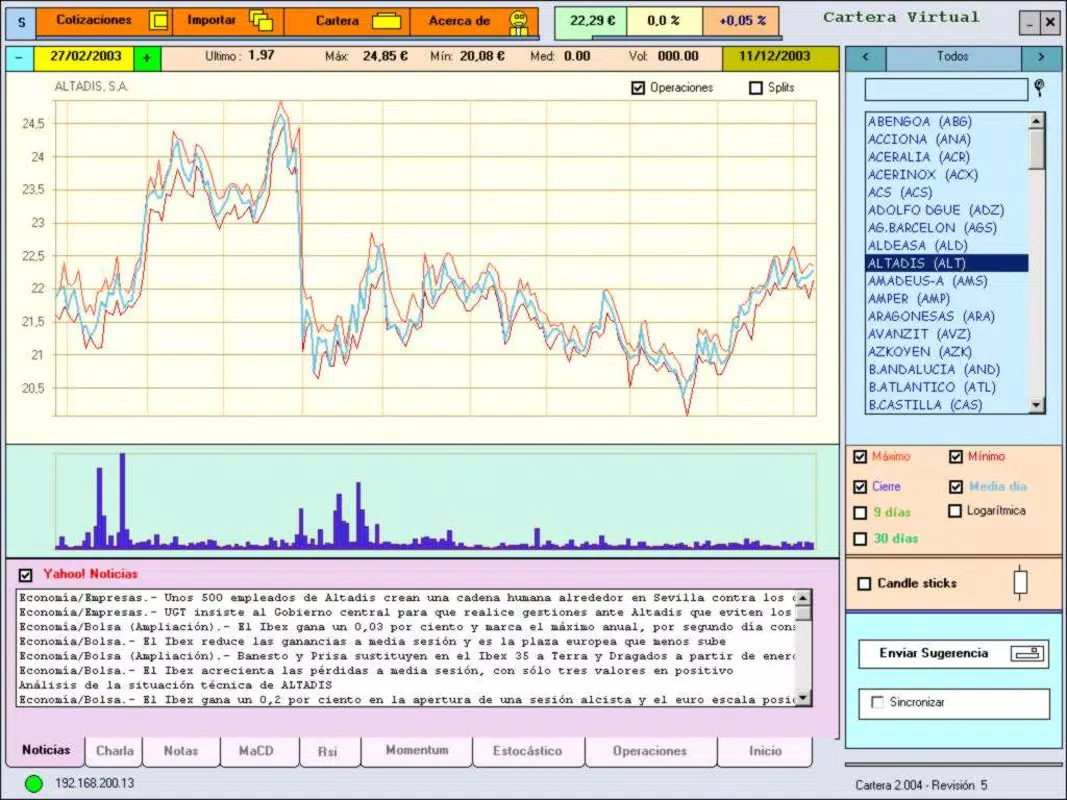
The app’s interface is designed with clarity and efficiency in mind, featuring a clean layout that prioritizes essential financial data. The visual style leans toward minimalism, using neutral colors and intuitive icons to reduce visual clutter. Navigation is structured around a bottom tab bar, providing quick access to the dashboard, transaction history, goal tracking, and settings. This consistent layout ensures that users can move between sections with minimal effort, enhancing overall usability.
Interaction flow is straightforward, with most functions requiring just two to three taps to complete. For instance, adding a new transaction involves selecting the category, entering the amount, and confirming the entry—tasks that are completed in under 10 seconds. The app responds promptly to user inputs, maintaining a smooth experience even on mid-tier Android devices. Although the developer did not list formal performance metrics, the app’s lightweight size of 15.2 MB suggests optimized resource usage, which likely contributes to stable performance and quick startup times.
Stability appears to be a focus, as the app does not exhibit common issues such as crashes or freezes during standard use. The design supports both portrait and landscape orientations, improving accessibility across different device types. While no official compatibility details were provided, the app’s lightweight footprint and standard Android requirements suggest broad device support. Overall, the user experience reflects a thoughtful balance between functionality and simplicity, making it suitable for users of varying technical proficiency.
Platform Compatibility & Technical Requirements
Cartera Virtual is available exclusively on the Android platform. The app is compatible with Android devices running version 6.0 and above, although the developer did not specify minimum OS requirements. The application size is 15.2 MB, which is relatively small for a finance app, indicating efficient code optimization and minimal resource demands. This compact footprint makes the app suitable for a wide range of Android devices, including older models with limited storage and processing power.
As the app is free to download and install, users can access it without financial commitment. The latest version, 1.0.0, was released on August 14, 2024, marking its initial public availability. The app does not require any special permissions beyond basic storage access to save transaction data locally. Specific requirements were not listed, so users should ensure their device meets standard Android operating system standards to avoid compatibility issues.
Pros and Cons
Pros
- Free to download and use, eliminating cost barriers for new users
- Lightweight size (15.2 MB) ensures fast installation and minimal storage usage
- Simple, intuitive interface ideal for users new to financial management tools
- Local data encryption enhances privacy and security without relying on cloud services
- Offers core financial management features such as categorization and goal tracking
Cons
- No cloud synchronization or backup feature, limiting cross-device access
- Developer did not provide information on update frequency or future roadmap
- Limited customization options for transaction categories or dashboard layout
- App does not support multiple user profiles or shared accounts
- Compatibility information was not fully disclosed
FAQ
Is Cartera Virtual safe to use?
The app uses local data storage with encryption to protect financial information. Since data is not transmitted to external servers, the risk of data breaches is reduced. However, users should still follow general security practices when using any mobile finance tool.
Can I use Cartera Virtual on multiple devices?
Due to the lack of cloud synchronization, the app does not support seamless use across multiple devices. Each device will maintain its own independent data set.
Does Cartera Virtual require internet access?
Basic functionality operates offline. However, internet access may be needed for future updates or optional features, though this was not specified by the developer.
How often is Cartera Virtual updated?
The developer did not disclose update frequency. The current version is 1.0.0, released on August 14, 2024.
Is Cartera Virtual available for iOS?
As of now, the app is only available for Android. No information was provided about future iOS releases.
Final Thoughts + CTA
Cartera Virtual presents a promising entry into the mobile finance space, offering a lightweight, secure, and free solution for managing digital money. Its clean interface, core financial tools, and focus on local data protection make it a practical choice for individuals seeking a straightforward way to track expenses and set financial goals. While it lacks advanced features like cloud backup and multi-device support, its simplicity and low resource usage position it well for users who prioritize privacy and ease of use over extensive functionality.
Those who benefit most are budget-conscious individuals, students, and first-time users of financial management tools. The app’s free model and minimal storage footprint make it an accessible starting point for digital financial literacy. For anyone looking to gain better control over their mobile finance without the complexity of full banking apps, Cartera Virtual delivers tangible value.
Download Cartera Virtual now


